
Optional5 min
Where to go next
After embroidering your own design, you might be wondering what else there could be to learn. In this section, we indicate where you could go for your next steps.
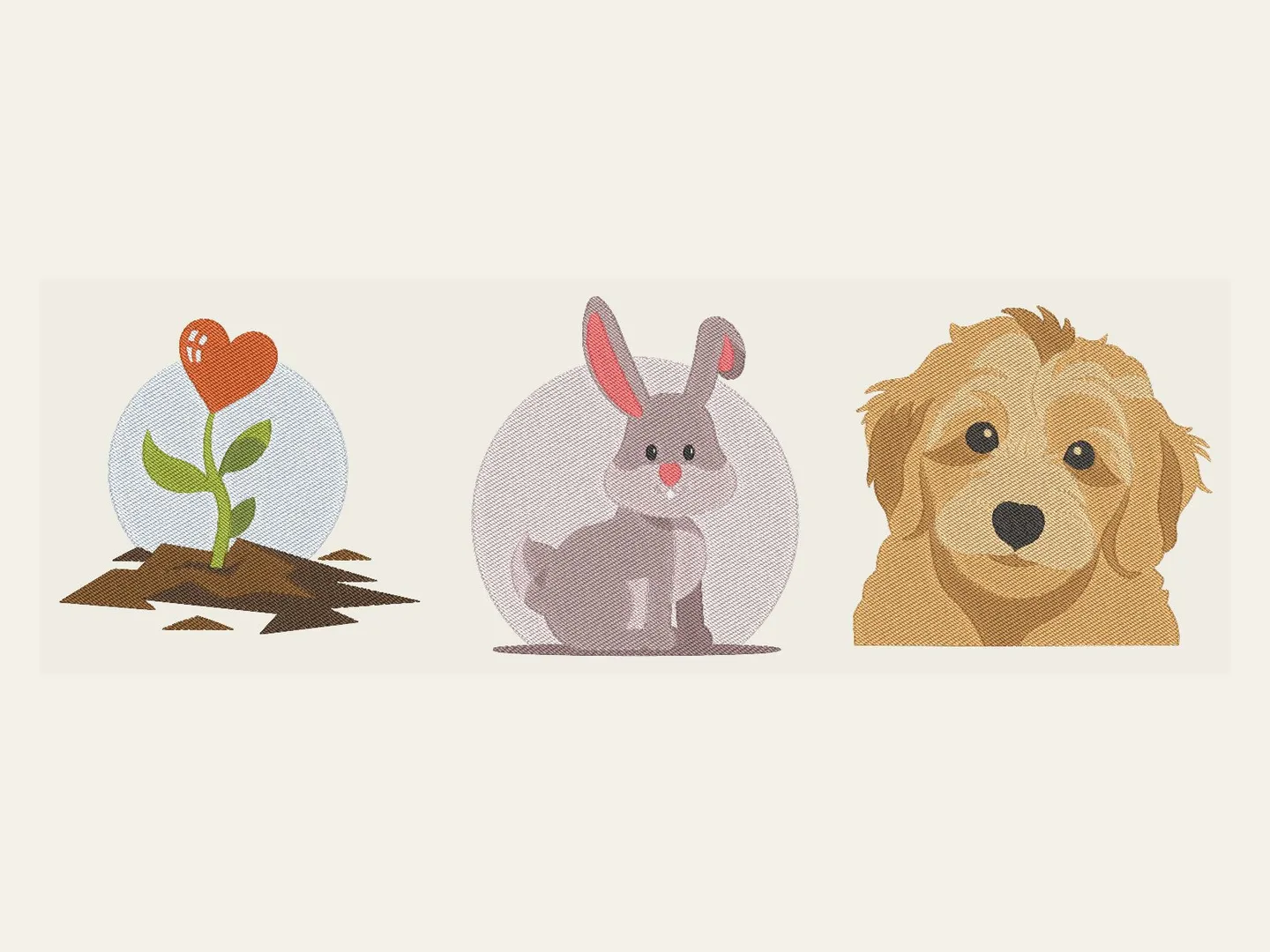
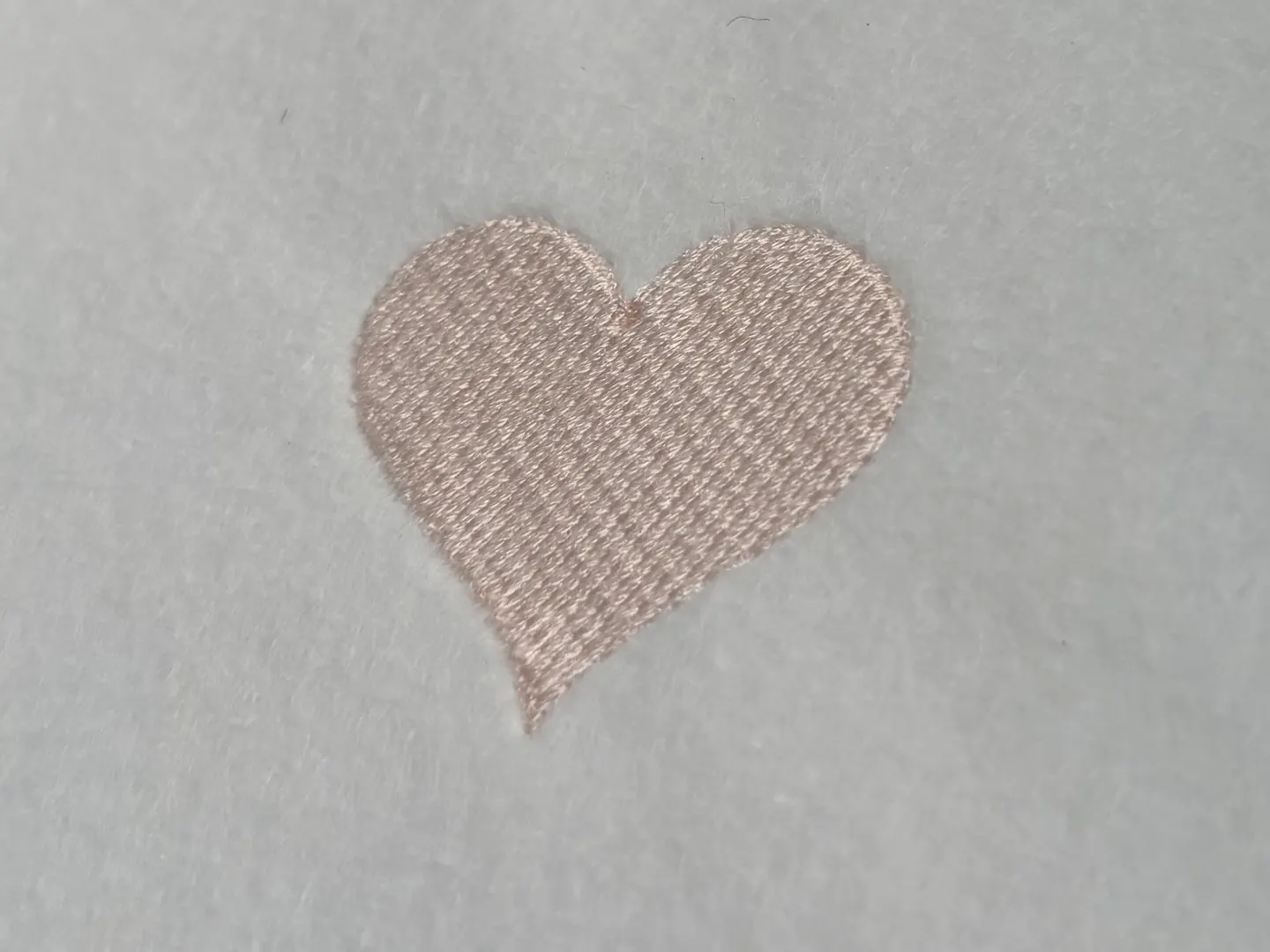
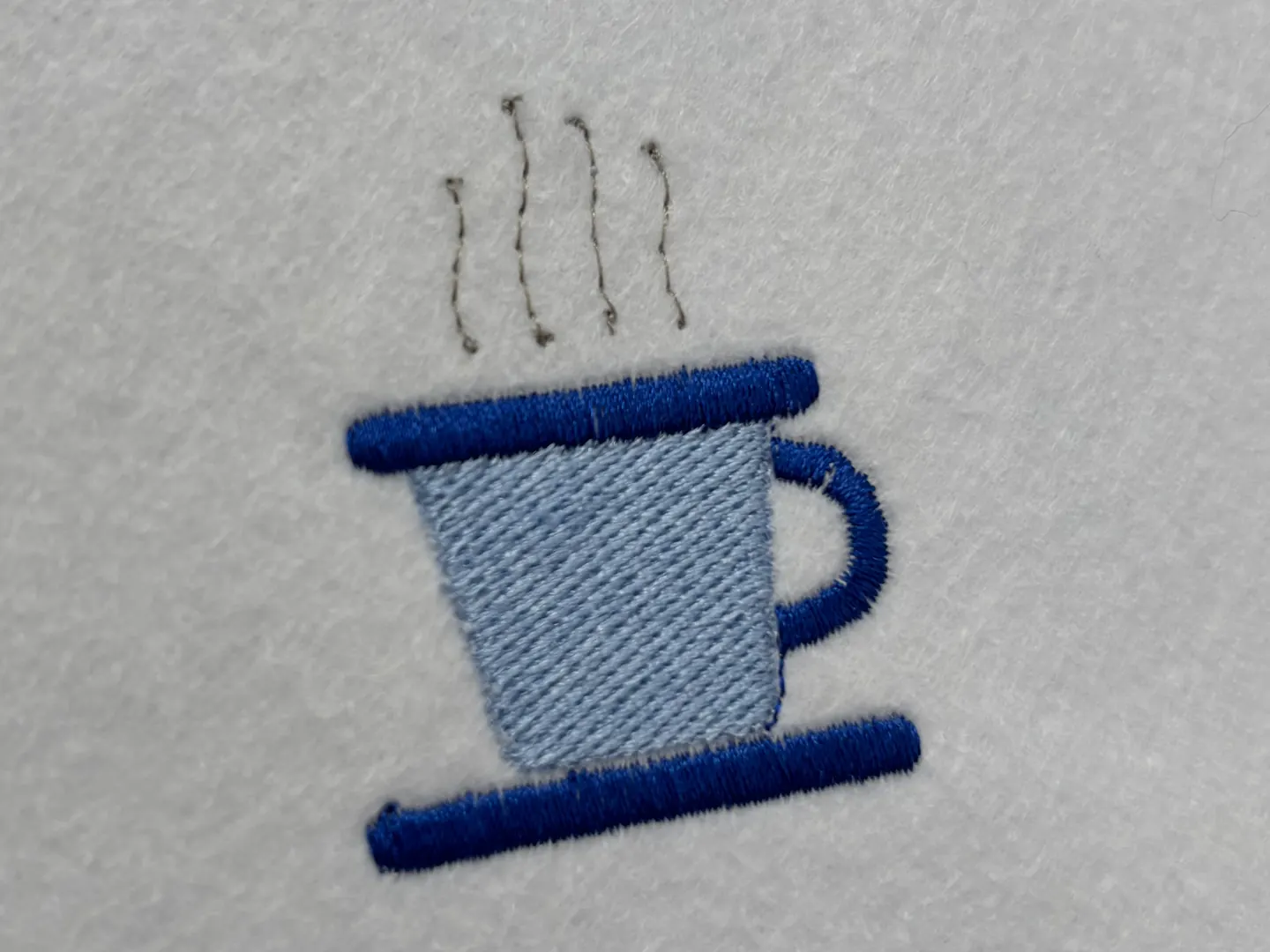
You have stitched two pieces of embroidery, and you now understand how Boldbobbin basically works. Let’s see where you can go from there.
Guides and reference
The articles are longer pieces on single topics. They deal with very diverse topics on embroidery, though they are not always centred on digitizing. If you use Boldbobbin as digitizing software, the articles will generally be about what is possible to do with it. At the release time of this tutorial, there are not yet many articles, but with time, more and more will be written, so check back often. Or you can subscribe to the newsletter and follow Boldbobbin on social media to keep up with the latest ones.
You can follow Boldbobbin or myself, Alexandre, on different platforms:
Another source of truth is the documentation, which covers every panel and control and is regularly updated. This document is more technical and rigorous. Go there when you know what you want and need to find where it is, or when you want to know exactly what is happening under the hood.
The community
Nothing beats the feeling of being part of a greater community! You can join the Boldbobbin Discord: that is where you can reach out to me and ask about pretty much anything instantly. Come and say hello, and post what comes off your machine. If you have any remarks on the tutorial, or if you want to let me know about features you would like to see, this is the place to go (the contact form also works wonders).
You can also check the community gallery and publish your future designs there! If you want to share what you do with Boldbobbin publicly, this is awesome, because you can share a link and people can export straight from the page or open your design in Boldbobbin.
Other ways to make a design
In this tutorial, you learned how to digitize manually. But Boldbobbin also provides some auto-digitization features to help you go a bit faster! However, they require the Pro subscription.
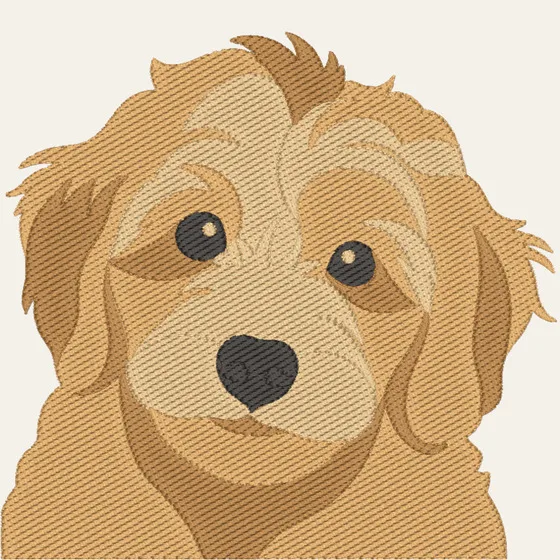
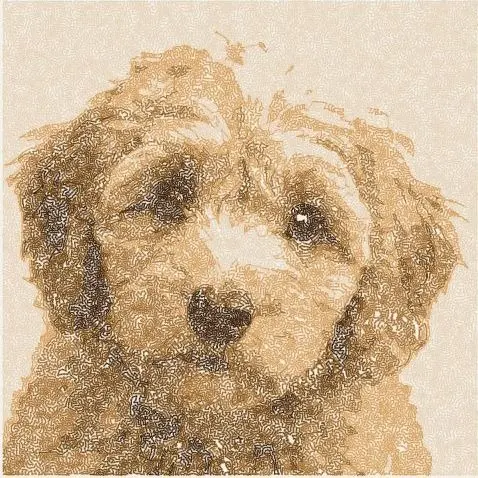
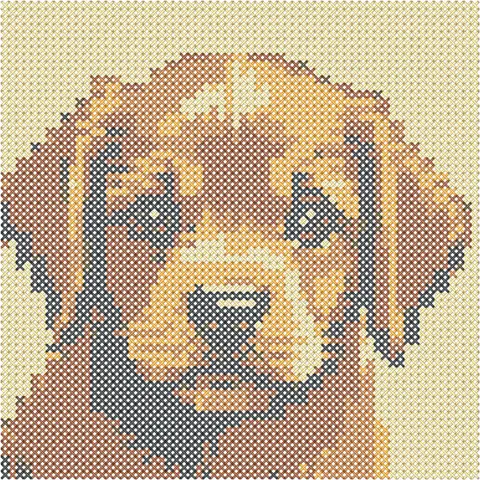
- Auto-tracing. Point it at an image and it produces a design automatically! It is very useful to speed up designing. And thanks to your newly acquired digitizing skills, you will now understand where auto-digitizing is good enough and where it requires your own manual intervention.
- Photostitch. A photograph can be turned into thread, by working out where the needle has to go to reproduce the tones. A very specific style of embroidery.
- Pixel art. Low-resolution images with a low number of colours in their palette can easily be transformed into cross-stitch embroidery! I must say, this one holds a special place in my heart, because pixel art is the reason I got into embroidery in the first place.
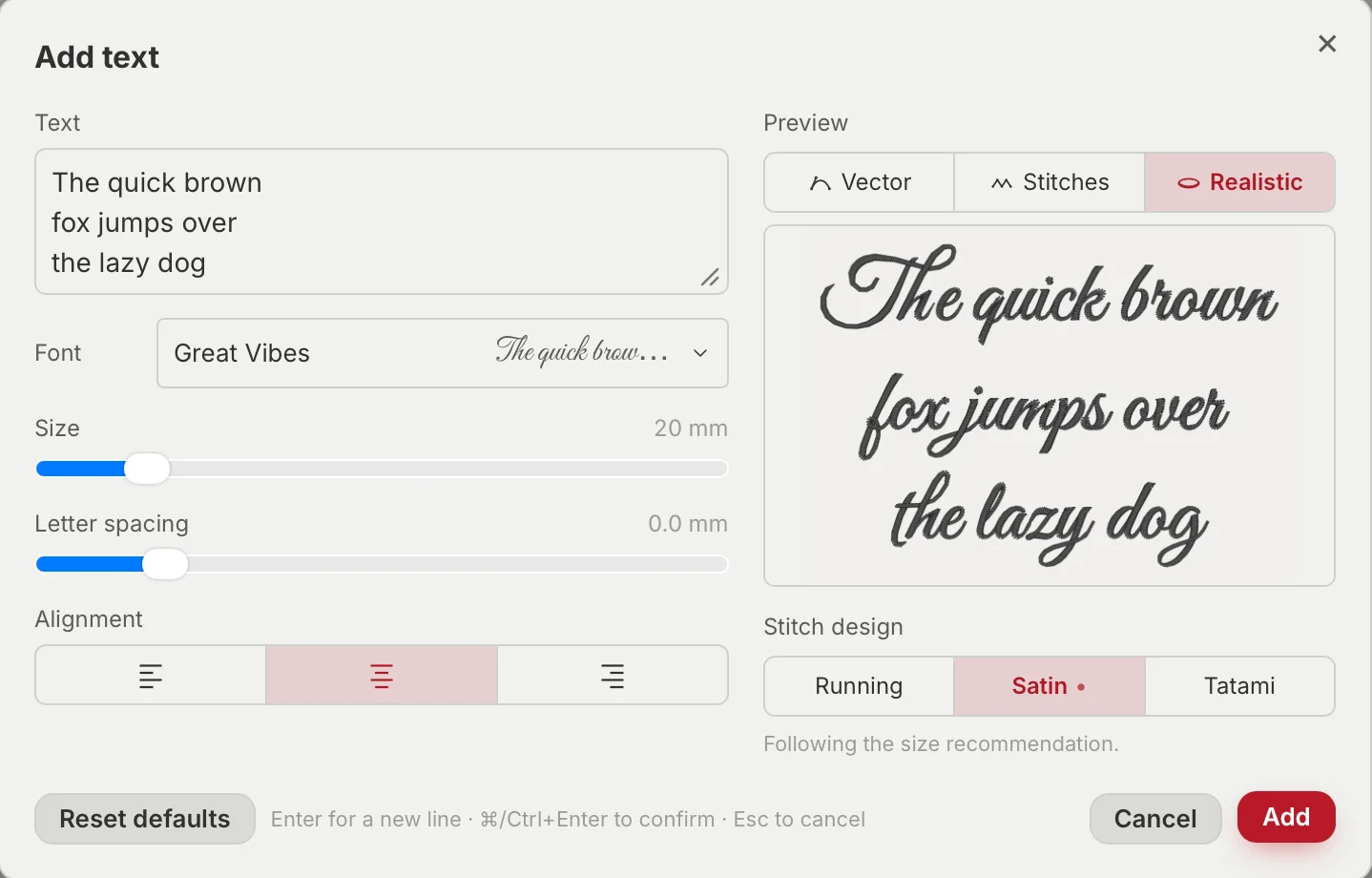
Lettering. With a full-fledged editor where you can create your own fonts. There is a whole article on it: how to digitize any font for embroidery.
Boldbobbin Pro subscription
To follow the tutorial, you did not need the Pro subscription. But more advanced tools such as the ones presented in the previous paragraph do. I wanted to present the advantages of the Pro subscription below. Know that the design tools can all be tried before you pay: they are gated at export time, not before. This ensures total transparency: you can see what you get before spending a dime!
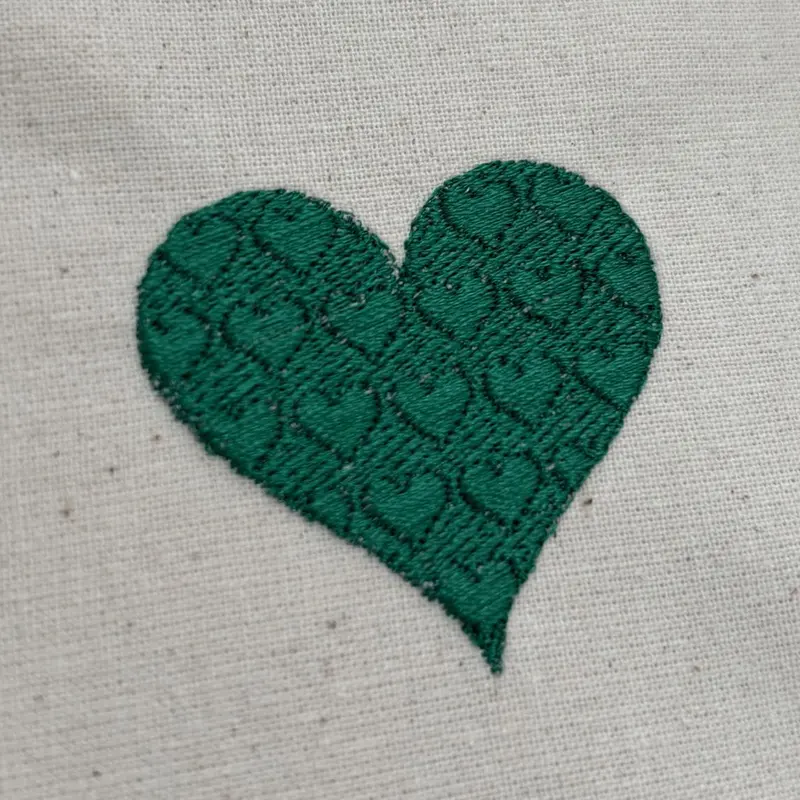
- Special fills. A flat tatami fill can become a textured relief with a repeating pattern! This can be used to create wonderful special effects on your designs.
- Unlimited cloud storage and publishing. The free plan keeps 10 designs in your account and 5 in the community gallery. You can keep as many designs as you like in the Boldbobbin cloud, which lets you carry on working from any computer.
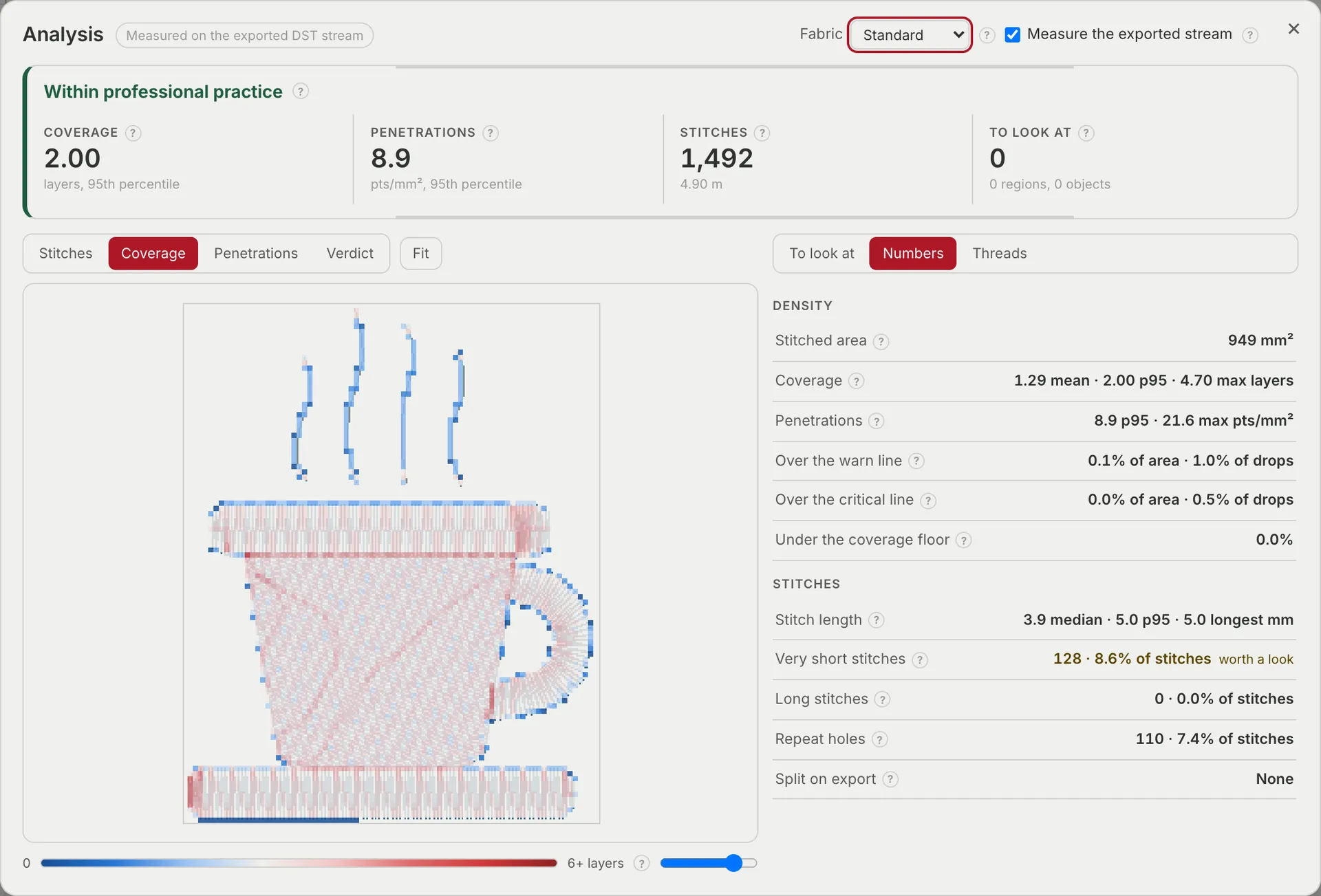
- Density analysis. How much thread and how many needle penetrations each part of a design puts on the fabric, and where that goes outside professional limits. This is the one tool that needs Pro to run at all, because here the reading is the whole product.
- No watermark on image and video exports.
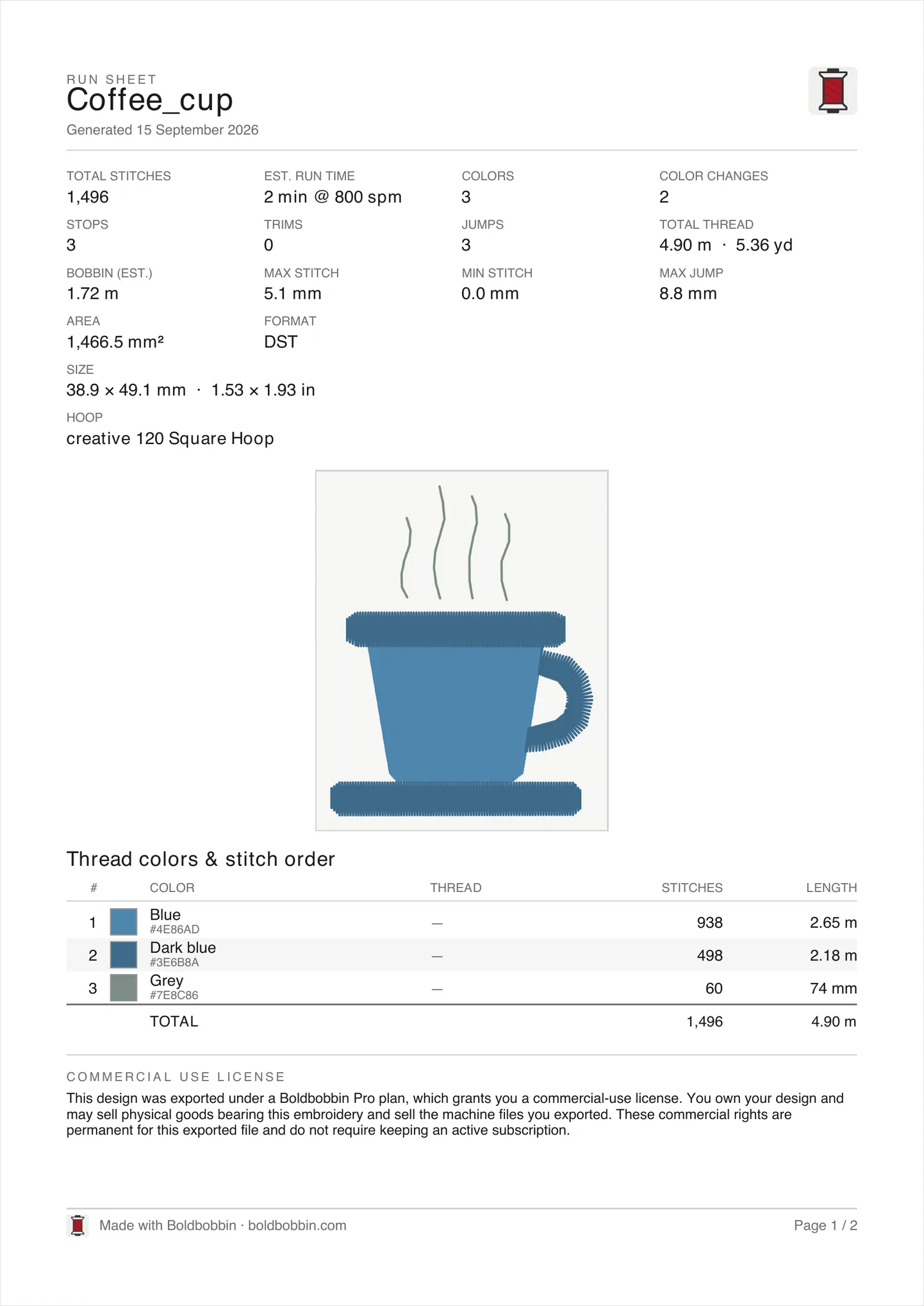
- Batch export and PDF run sheets. Batch export your designs to multiple formats, which is particularly useful if you sell them. Add a printable sheet of stitch-out instructions to take to the machine.
- A commercial licence. Sell what you embroider, and sell the design files themselves.
The full comparison is on the pricing page.
Last words
Mastering a skill is all about repetition and exploration. Boldbobbin offers many things. Do not hesitate to click around to figure out what it can do. The software is made to be intuitive. The more you use it, the more you will discover new things to create with it.
I can’t wait to see what you will embroider! Thank you for stitching with Boldbobbin. I wish you all the best in your creative endeavours,
Alexandre Binninger.